

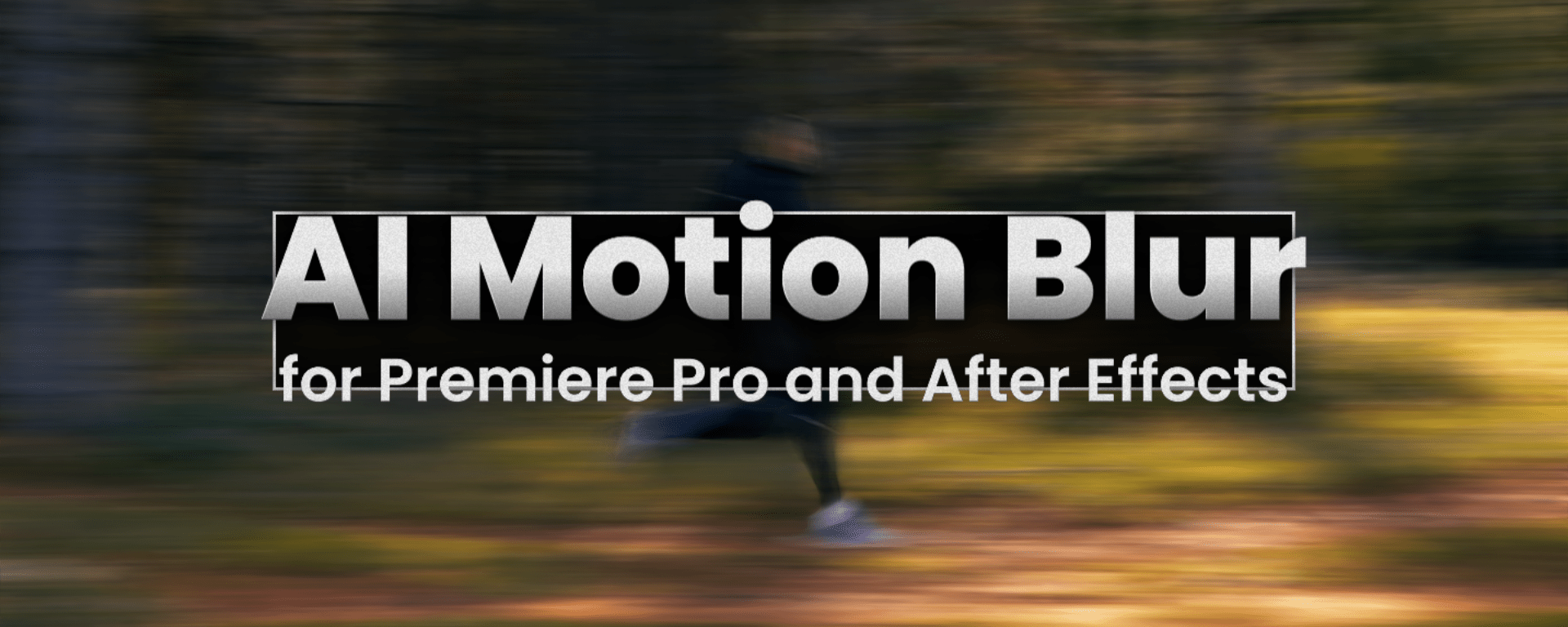
AI Motion Blur for After Effects and Premiere Pro
Features
Overview
With AI Motion Blur, you can effortlessly breathe life back into your footage by adding motion blur. Whether you're working with high shutter speeds or digital footage that feels too sharp, this tool adds just the right amount of natural motion for a polished, filmic look.
New: Motion Vectors output
Output the native motion vectors in HD resolution.
AI based
The AI-powered motion and blur estimation algorithm delivers outstanding performance—it's impressively accurate and refined.
Tweak the strength
You have complete control over the effect's intensity, allowing you to enhance the blurring independently - pushing it beyond the natural motion present in the video.
Looks good on timelapses
It can also be applied to timelapse footage, adding a smooth, cinematic quality that elevates the visual flow.
Enhance abstract renderings
It also works beautifully with animation and abstract footage, adding a sense of motion and depth that enhances even the most stylized visuals.
Premiere Pro support
Simply add the effect to your layer and get the AI-blurred result instantly.
System Requirements
| Windows with NVIDIA GPU >= 8GB | Other Windows | Apple Silicon with MacOS Sequoia or newer and >= 16GB RAM | Other MacOS |
|---|---|---|---|
| ✅ | very slow | ✅ | ❌ |
Documentation

Follow us on socials


.svg)